Trading
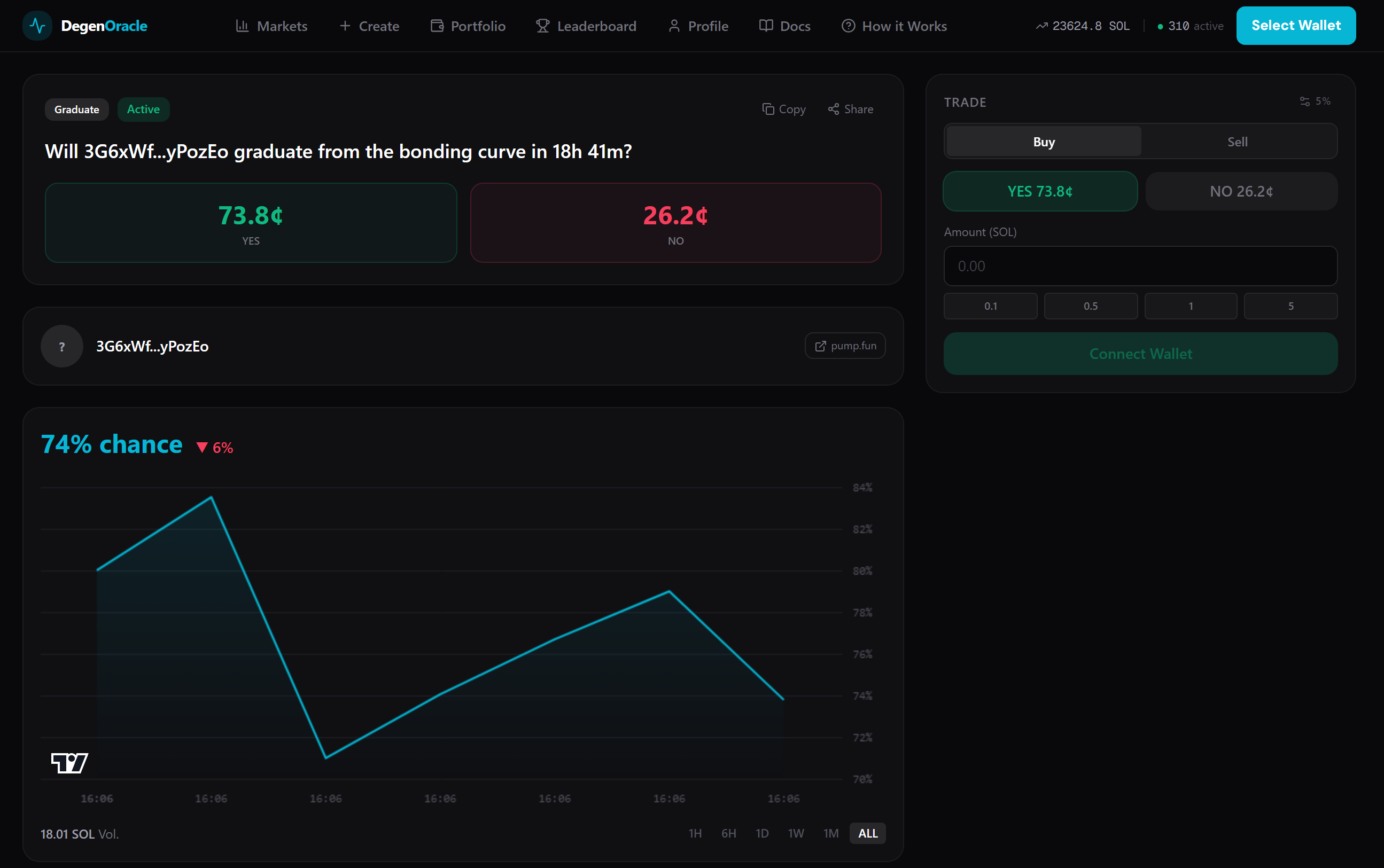
Trading on GradOrNot means buying or selling YES and NO shares. Each share is an SPL token minted by the on-chain program.
How to Buy
- Navigate to any active market from the Markets explorer.
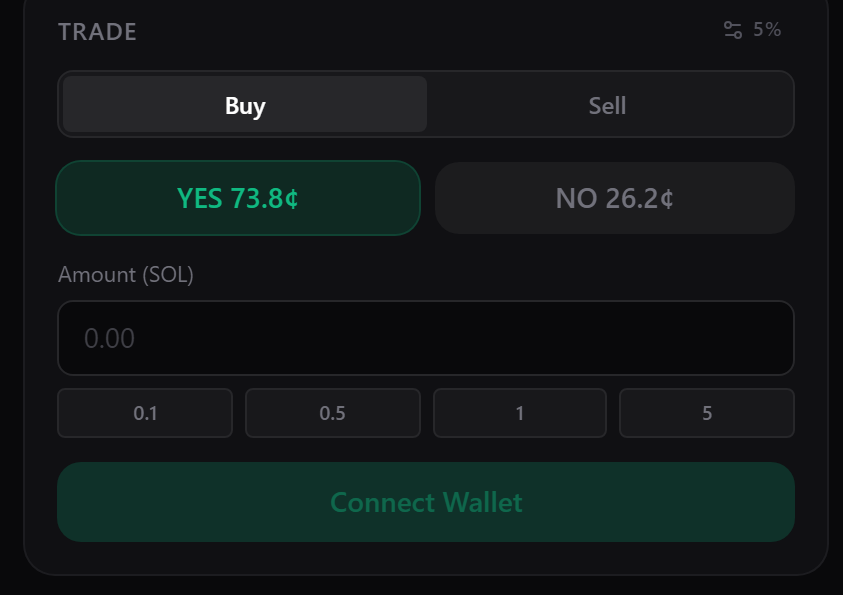
- In the Trade Panel on the right, choose YES or NO.
- Enter the amount of SOL you want to spend.
- Review the estimated shares you'll receive and the price impact.
- Click Buy and confirm the transaction in your wallet.
How to Sell
- On the same market page, switch to the Sell tab.
- Enter the number of shares you want to sell.
- You'll receive SOL back into your wallet from the vault.
- Selling removes liquidity from your side, pushing the price in the opposite direction.
Price Impact
Prices move with every trade. The larger your trade relative to the virtual reserves, the more the price shifts. The trade panel shows you the estimated price impact before you confirm.
Example
Current YES price: 0.60 SOL
You buy 10 SOL worth of YES shares.
After your trade, YES price moves to: 0.65 SOL
Price impact: +8.3%
Anti-Sniping Protections
To keep markets fair, two protections prevent last-minute exploitation:
- Buy cutoff — no new buys in the last 5 minutes before expiry. This prevents snipers from piling in at the last second when the outcome is nearly certain.
- Late entry penalty — if a side's implied probability exceeds 85%, a 5% extra fee is charged on that buy instead of the normal 1%. This discourages piling onto near-certain outcomes.